> For the complete documentation index, see [llms.txt](https://docs.deltaquad.com/gov/llms.txt). Markdown versions of documentation pages are available by appending `.md` to page URLs; this page is available as [Markdown](https://docs.deltaquad.com/gov/flight/auterion-mission-control-amc-overview/amc-menu/controller.md).
# Controller
The following section outlines the options available in the Controller tab.
The **Controller** tab can be accessed via the AMC menu.
***
## Radio Tab
{% hint style="info" %}
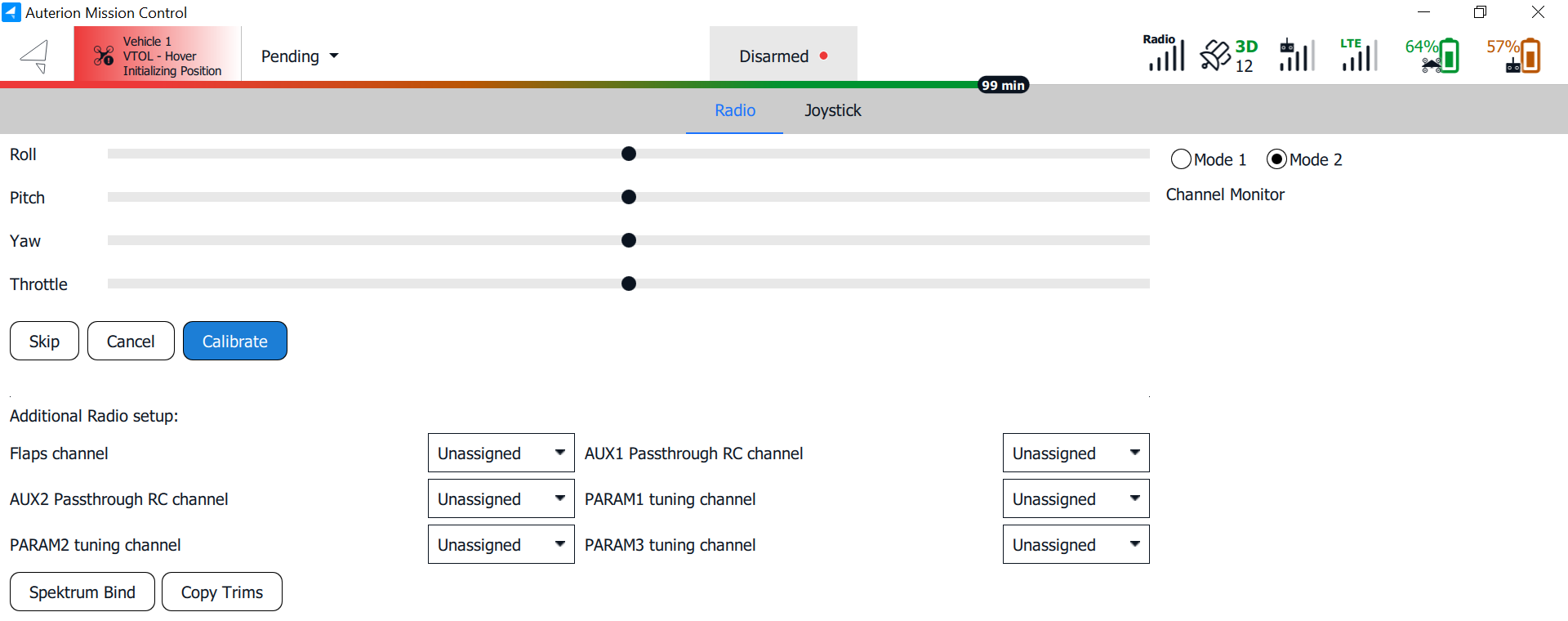
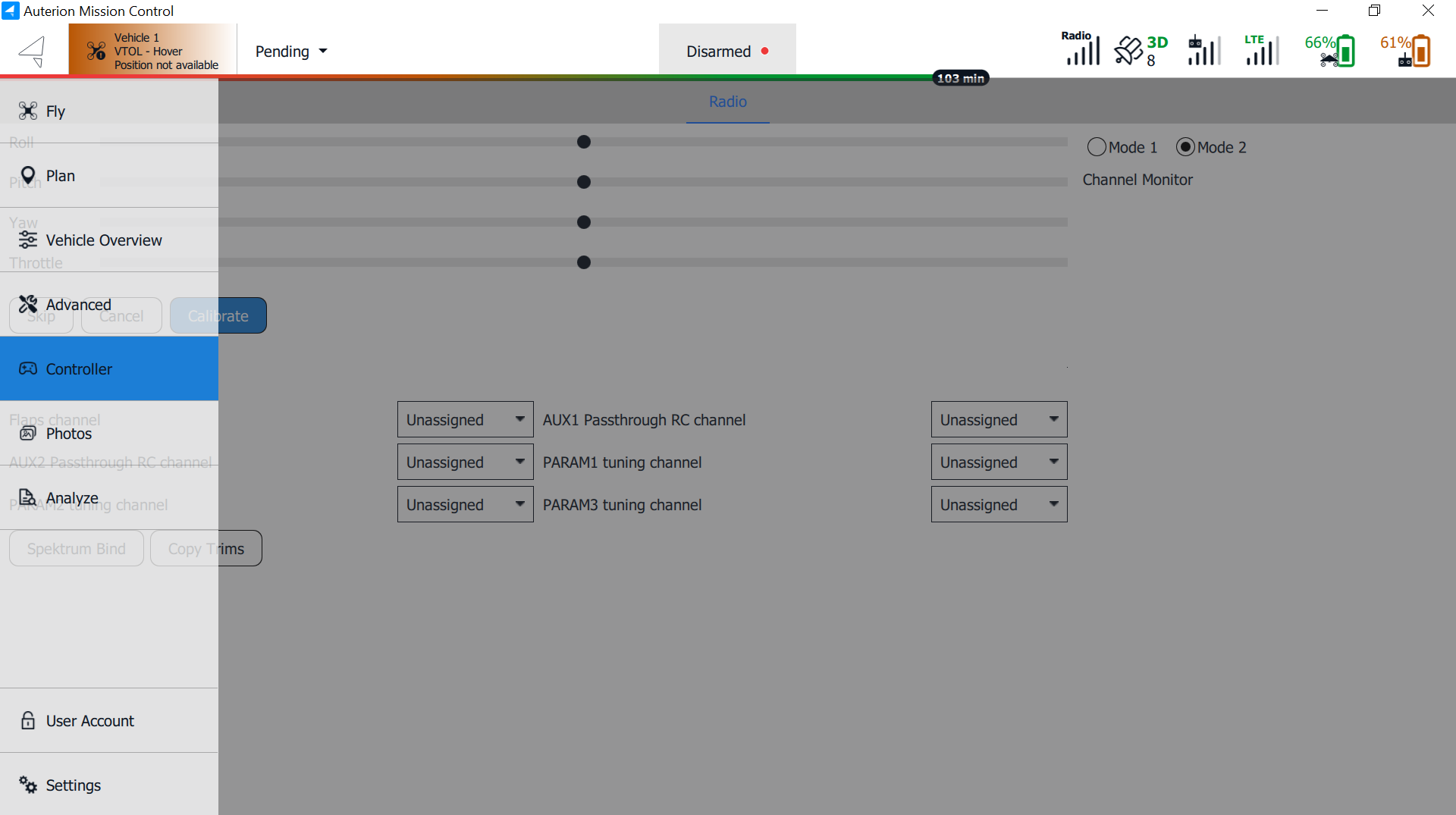
The **DeltaQuad Evo Government Edition** does not utilize a traditional radio controller. Instead, the DeltaQuad Evo handheld controller functions as a joystick. Consequently, all controller settings can be configured under the **Joystick** tab. The **Radio** tab is irrelevant for the DeltaQuad Evo GOV.
{% endhint %}
***
## Joystick Tab
{% hint style="success" %}
The DeltaQuad Evo handheld controller comes pre-configured and works as a plug-and-play device. For more information about stick and button assignments, please read [here](/gov/setup/ground-control-station-gcs/deltaquad-toughbook.md).
{% endhint %}
{% hint style="warning" %}
Changing the settings in the **Joystick** tab is recommended only for experienced operators with sufficient knowledge of the subject matter.
{% endhint %}
{% hint style="info" %}
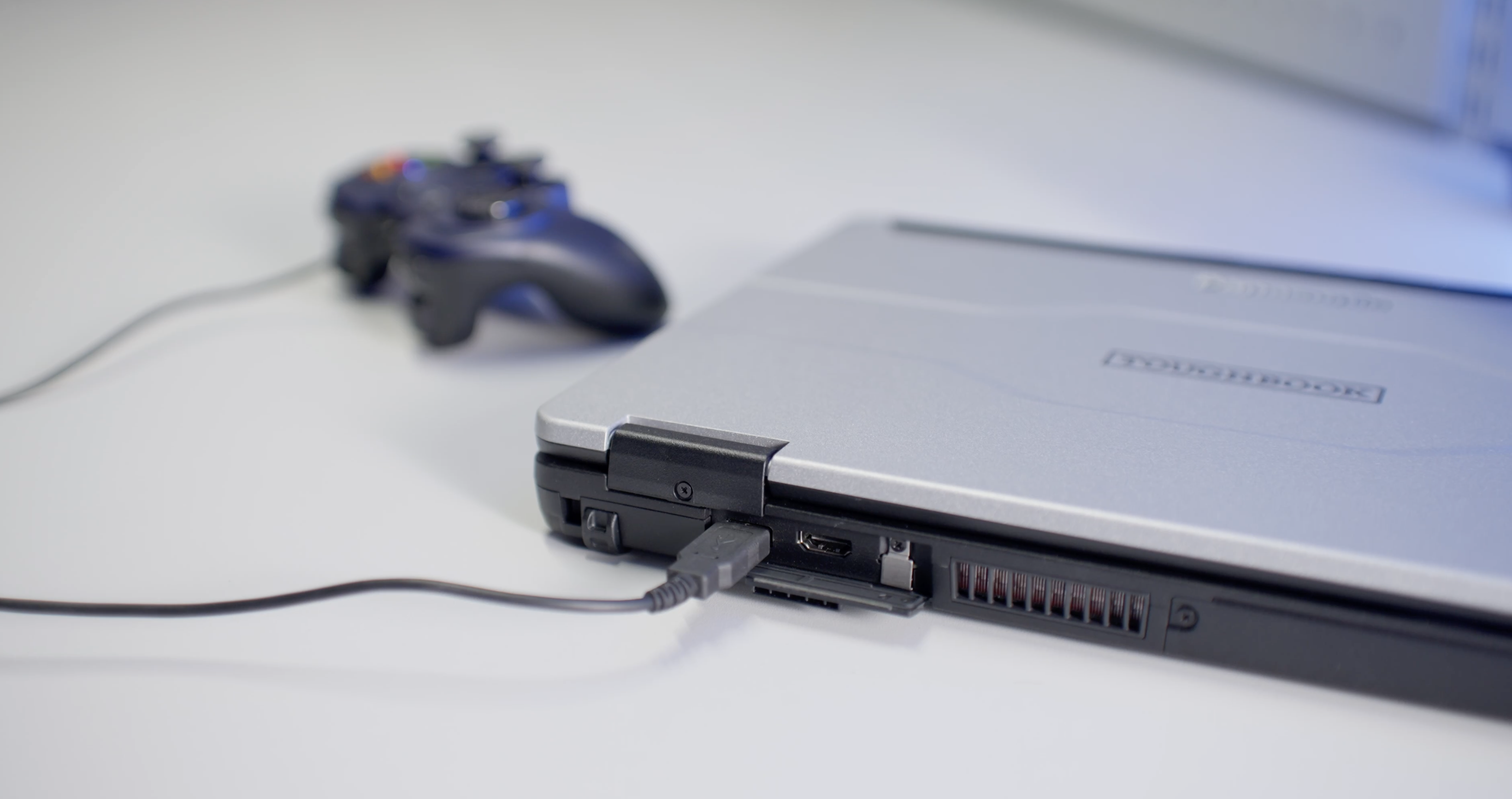
To verify stick input and assign actions to controller buttons, ensure the handheld controller is connected to the Toughbook. Both the GCS and the vehicle must also be powered on and connected.
{% endhint %}
***
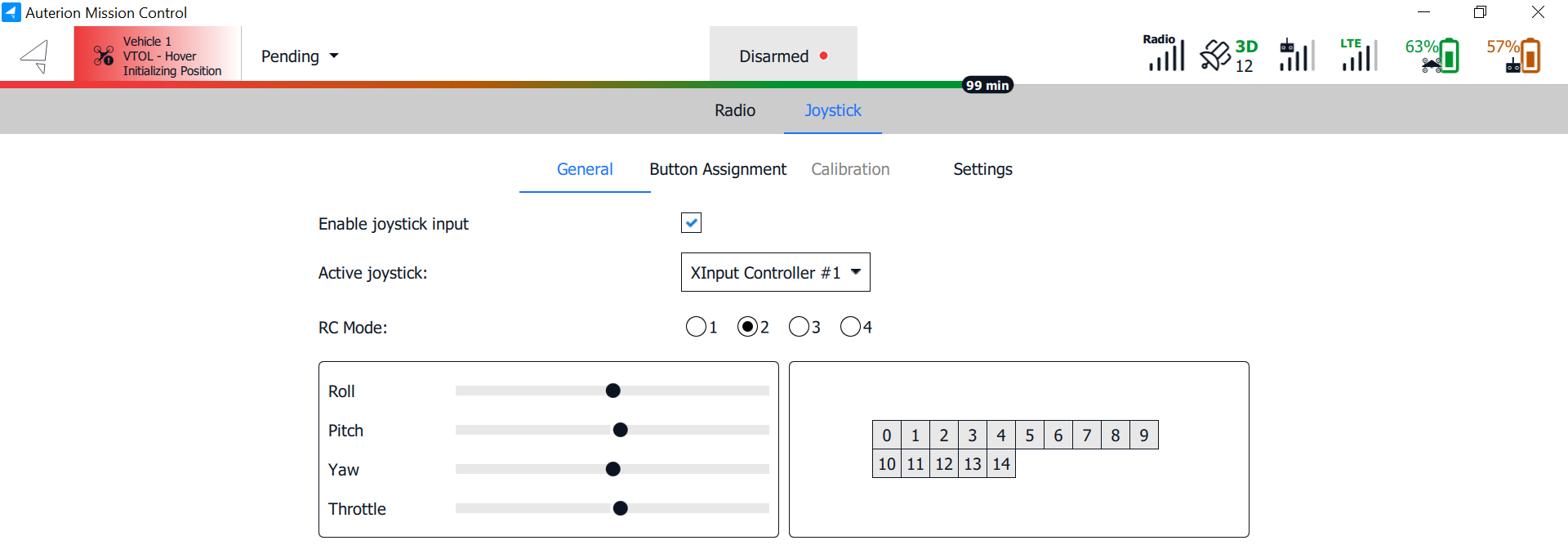
In the **General** tab, the joystick can be enabled, and the stick input can be verified by moving the controller sticks.
***
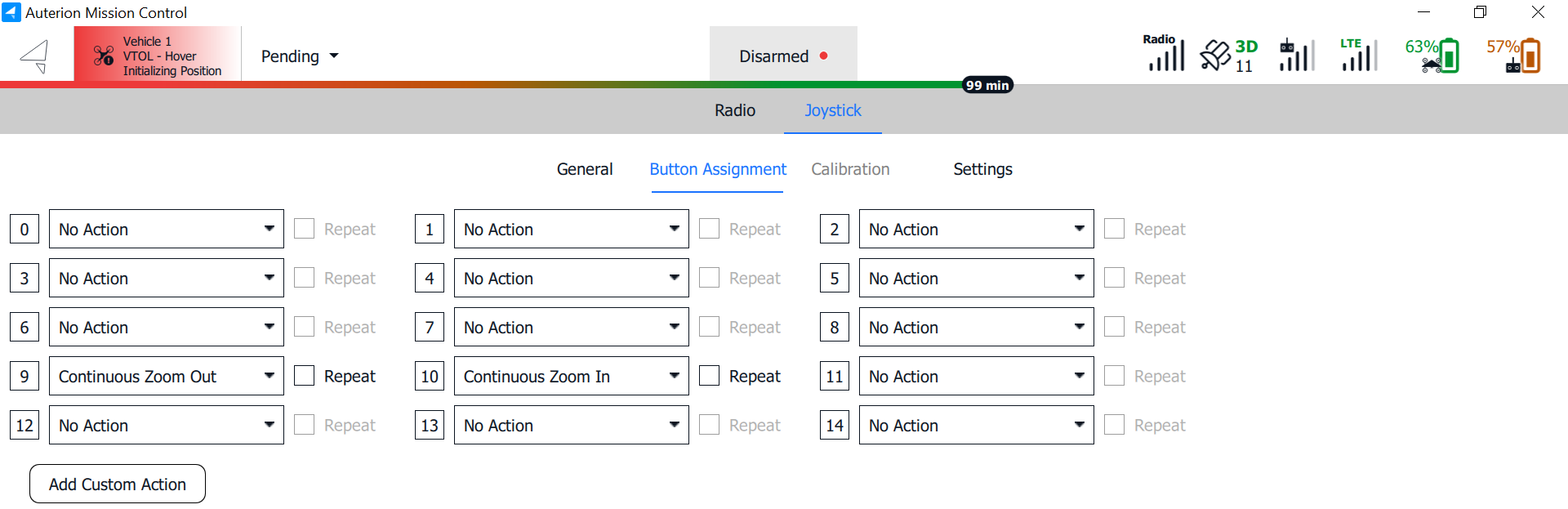
In the **Button Assignment** tab, commands can be applied to the available buttons on the handheld controller. When you press a button on the controller, the corresponding field will light up, and an action can be assigned.
{% hint style="danger" %}
Actions or commands will be executed immediately upon being triggered by the controller buttons. Assign actions to the controller buttons with caution, as commands like **Emergency Shutdown** are irreversible. When triggered in mid-air, a crash is imminent.
{% endhint %}
{% hint style="success" %}
By default, only the controller's shoulder buttons are assigned for the zoom functionality of the ISR payloads.
{% endhint %}
***
## Calibration
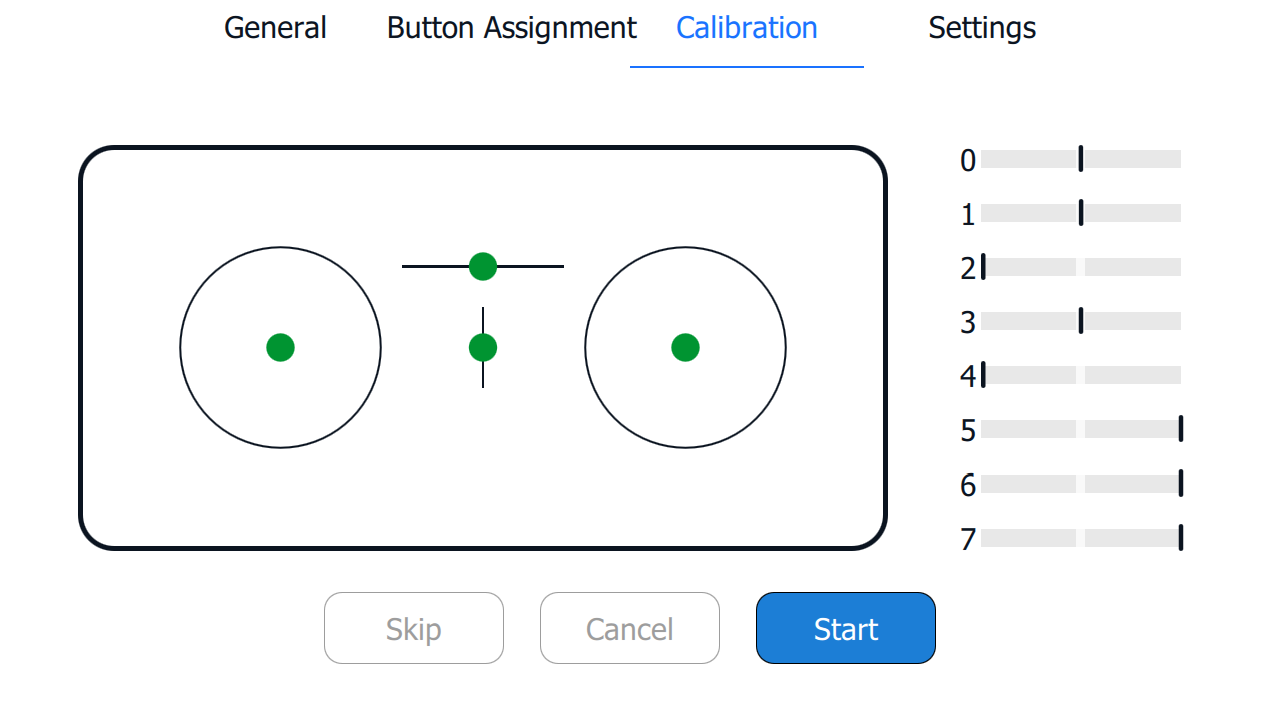
If required, the controller sticks can be calibrated. After clicking **Start**, you will be guided through the process.
***
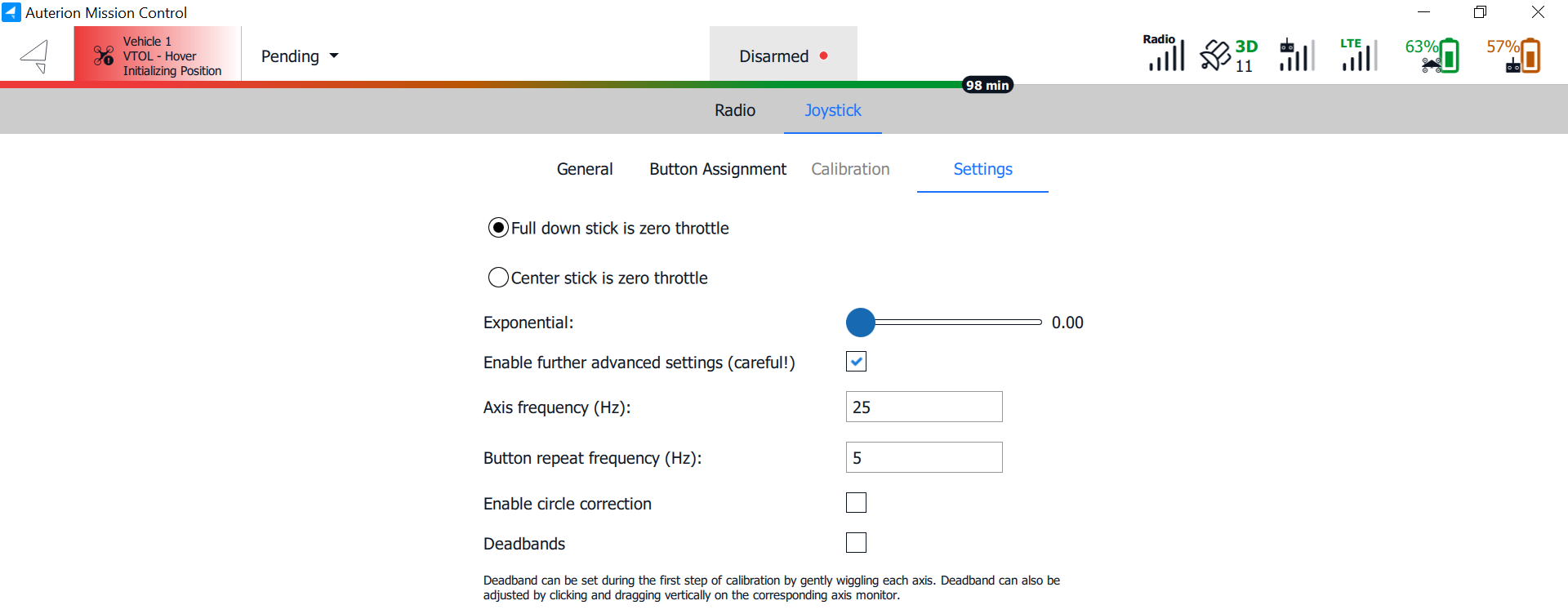
## Settings
{% hint style="warning" %}
The **Settings** tab provides additional options for configuring the controller. **We recommend leaving these settings at their default values**. These options may become relevant when using a traditional remote controller as a USB input device.
{% endhint %}
---
# Agent Instructions
This documentation is published with GitBook. GitBook is the documentation platform designed so that both humans and AI agents can read, navigate, and reason over technical content effectively. Learn more at gitbook.com.
## Querying This Documentation
If you need additional information that is not directly available in this page, you can query the documentation by asking a question.
Perform an HTTP GET request on the following URL with the `ask` and `goal` query parameters:
```
GET https://docs.deltaquad.com/gov/flight/auterion-mission-control-amc-overview/amc-menu/controller.md?ask=&goal=
```
`ask` is the immediate question: it should be specific, self-contained, and written in natural language.
`goal` is what the user is ultimately trying to achieve, the reason they need the answer. Sharing it helps GitBook give you a better, more relevant answer. A goal is most helpful when it describes the outcome the user wants rather than restating the question. For example, with `ask=how do I create an API token`, a goal like `automate deployments from our CI pipeline` lets GitBook tailor the answer to that use case.
The response will contain a direct answer to the question and relevant excerpts and sources from the documentation.
Use this mechanism when the answer is not explicitly present in the current page, you need clarification or additional context, or you want to retrieve related documentation sections.
 .
.