
Advanced Flight
This chapter covers how to operate in GPS-denied areas and perform offshore operations.
Chapter Index
The following parameters can be adjusted for special operations in AMC Menu (Advanced Mode) -> Advanced -> Parameters.
Search for the parameter that needs to be changed.

Set the value and save it.
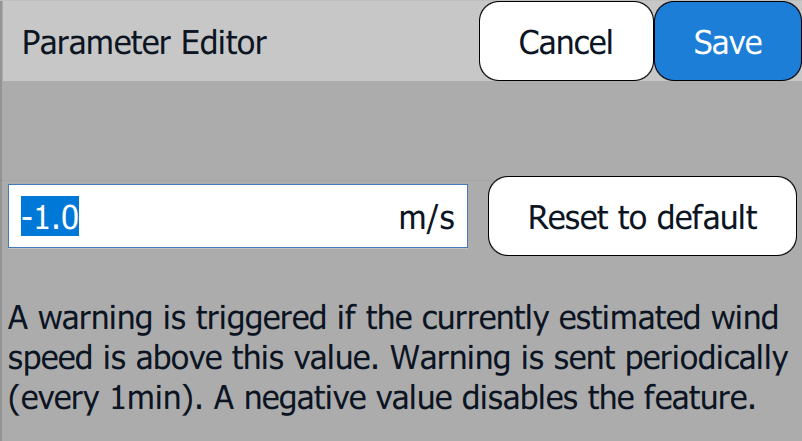
MPC_MAX_HOVER_T
Default: 90 Max: 150
The DeltaQuad Evo's default maximum hover time is 90 seconds, but this can be extended to a maximum of 150 seconds. After the timeout, the vehicle will automatically force-land at its current location. Adjusting this value may be necessary for offshore operations.
COM_WIND_MAX
Default: 14 Max: -1 (off)
By default, the DeltaQuad Evo can tolerate a maximum windspeed of 14 m/s. This limit can be disabled if a mission must be completed regardless of wind conditions.
COM_WIND_MAX_ACT
Default: Return Optional: Warning
The maximum windspeed action can be changed to a warning. By default, the vehicle will return if the windspeed exceeds the tolerance limits.
If arming without GPS is not possible, set the following parameter to Allow arming without GPS.
COM_ARM_WO_GPS
Last updated